Why Didn’t My Digital Coupon Work? What to Check Before You Leave the Store
If your digital coupon doesn’t come off at checkout, check three things first: the offer is activated, the register has the right loyalty account, and the exact item qualifies. If everything matches, ask the cashier to check the discount before you pay. If you’ve already paid, take the receipt, product, and offer details to customer service before leaving.
You don’t need to troubleshoot the whole app while people wait behind you. Start with the checks below, then ask an associate for help if the answer isn’t clear. Store policies differ; the retailer examples here refer to U.S. stores.
1. Check whether the discount is actually missing
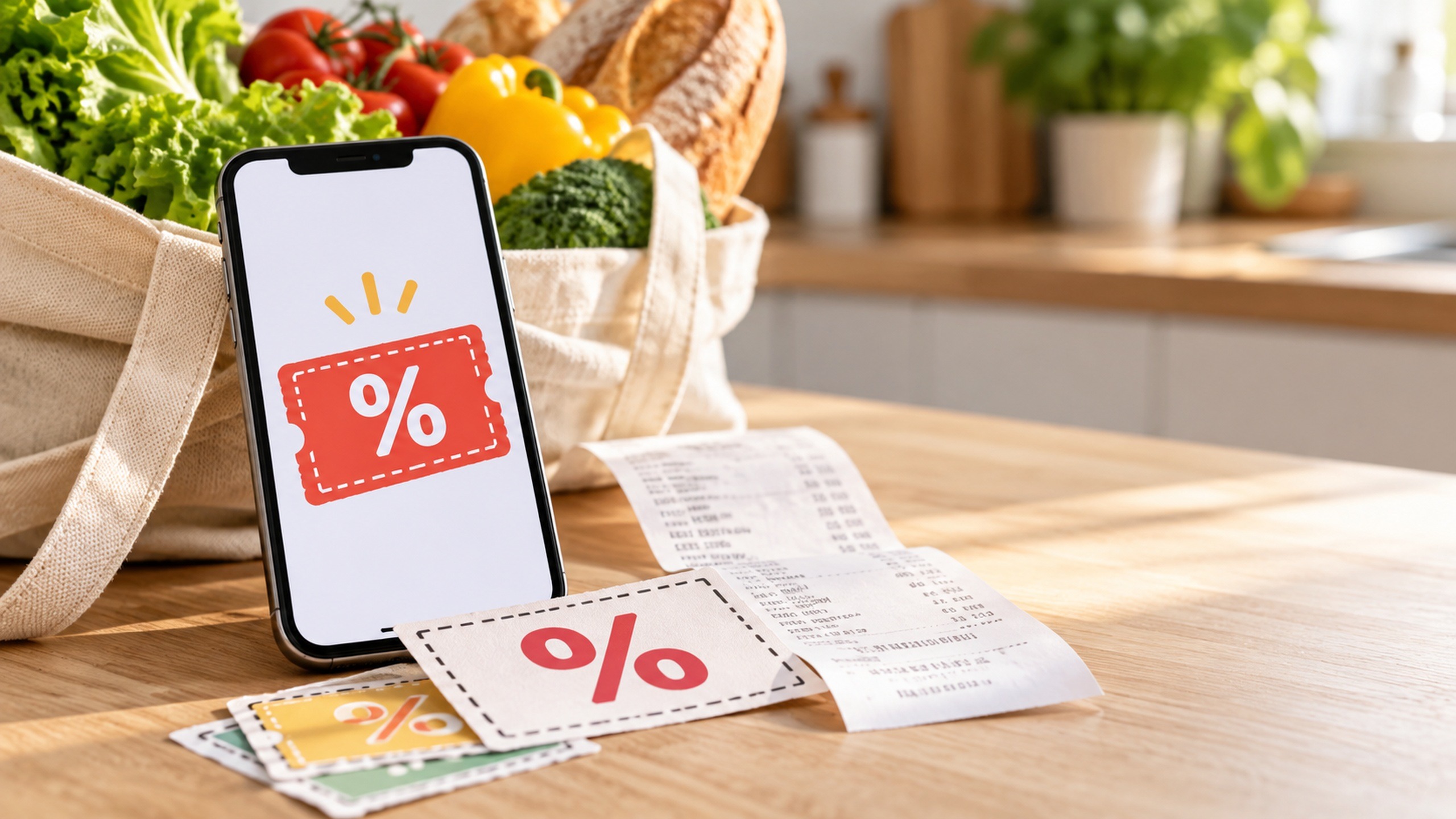
Ask the cashier whether all offers have been processed, then look at the item price and discount lines rather than only the grand total. The coupon might appear separately from the product’s price.
For example, Kroger identifies digital coupons as “ecpn” below qualifying items on its receipts. Other stores use different labels, so ask an associate to point out where your savings should appear.
Also check what the offer promises. Money off today’s purchase is different from points, a reward for a future purchase, or a rebate you claim afterward. An offer to earn a reward won’t necessarily reduce the amount you owe at the register.
2. Make sure the coupon was saved to the right account
Open the offer in the store’s app or website. If it requires activation, look for confirmation that it is clipped, saved, or added—not just visible in the available offers. Then confirm that the loyalty card, phone number, or barcode used at checkout belongs to that same account. A coupon saved to your account won’t help if the register is using another household member’s separate account.
Not every offer works the same way. Most Target Circle deals apply automatically for identified members, while Target Circle Bonuses, coupons, and rebates may need to be applied or activated. Follow the instructions on the particular offer rather than assuming every deal requires clipping—or that none do.
If you just tapped the activation button, confirm that the app saved the change. Kroger says its coupons are available as soon as they are loaded, but connectivity problems can prevent loading. There’s no universal waiting period that fixes every store’s coupons.
3. Match the package to the offer’s written terms
The picture on a coupon isn’t enough to confirm that your item qualifies. Open the full details and compare them with the package in your cart:
- Brand and product line: A coupon may cover only certain products within a brand.
- Size or count: Check ounces, volume, number of pieces, or pack size.
- Variety: Flavor, scent, color, or formulation may matter.
- Exclusions: Read any restrictions on trial sizes, multipacks, clearance items, or other versions.
- Eligible-product list: If the offer provides one, find the exact package you’re buying.
Walgreens recommends checking the brand, quantity, size, and price requirements when a coupon won’t redeem. If those match and you still need support, have the product description and UPC barcode number ready.
4. Check quantities, spending requirements, and limits
Read the whole savings phrase. “Save $2 when you buy two” means $2 off the qualifying pair, not $2 off each item. Buying only one won’t satisfy that hypothetical offer.
For an offer with a spending threshold, check which products count and whether the terms calculate qualifying spending before or after other discounts. Don’t assume your whole basket counts, or that tax and fees help you reach the requirement.
For example, suppose an offer requires $20 in qualifying products after discounts. If those products total $21 and another discount reduces the qualifying amount by $3, you’re at $18. That hypothetical purchase would miss the threshold even if unrelated items bring the full receipt above $20.
Check the redemption limit, too. A single-use coupon doesn’t automatically discount every matching item in your cart. Look for wording about limits per item, transaction, account, or household, and check whether the offer has already been redeemed.
5. Confirm the dates, shopping method, and combination rules
Check both the start and expiration dates. Then read where the offer can be used: in-store, pickup, delivery, or shipping. An online promo code isn’t necessarily an in-store coupon, and an offer shown in someone else’s account may not be available in yours.
If you’re using another coupon on the same item, check whether the store allows the combination. “Stacking” means applying more than one discount to a purchase, but permission depends on the types of offers involved. For example, Kroger’s coupon policy limits purchases to one store or manufacturer coupon, paper or digital, per item. Having both versions doesn’t make both redeemable on one product.
A different discount appearing on your receipt is a reason to ask which offer applied. Don’t assume the register will let you replace it with another coupon after checkout.
What to say when everything looks right
Show the cashier the product and the saved offer, with the requirements visible. A simple request is enough: “This coupon is saved to my account, and this package appears to match. Could you check whether it applied before I pay?”
At self-checkout, use the assistance button. If resolving the issue will take longer, ask whether customer service can help. Kroger specifically directs shoppers to ask the cashier about missing discounts noticed at the register and to contact its Customer Service Center afterward.
Avoid unclipping and reclipping an offer as a troubleshooting shortcut. Walgreens says an unclipped coupon cannot be clipped again. Refreshing the offer view or checking the account is a better first step than removing it.
If the discount can’t be resolved before payment, decide whether you still want the item at the price shown. You can ask the cashier to remove it. Don’t buy it solely on the assumption that you’ll receive a later adjustment.
Already paid? Keep the details together
Before you leave, bring customer service your receipt, the product or its barcode, and the offer details. Save a screenshot showing the terms and expiration date if you can. It can help explain the issue, but it doesn’t replace an activated coupon or guarantee an adjustment.
Ask whether the missing discount can be corrected under the store’s policy. If staff refer you to app or website support, keep the transaction date, store location, receipt number, UPC, and expected discount together. Use the contact option in the retailer’s official app or website.
Before agreeing to a return and repurchase, ask what will happen to any coupons and rewards used in the transaction. Don’t assume a redeemed coupon will become available again. If an adjustment is made, check the revised receipt before heading home.
Related Posts:
 How to Check a Viral Coupon Deal Before Making a…
 Are Coupon Browser Extensions Worth Using? What to…
 How Does Coupon Doubling Work? Examples, Limits, and…
 How Do Blinkie Coupon Machines Work in Grocery Stores?
 How to Get Digital Grocery Coupon Prices Without a…
 A 15-Minute Weekly Digital Coupon Routine for Busy Parents
- Fake Coupon Links and QR Codes: How to Check an Offer Safely
 Check your email for in-store coupons while shopping