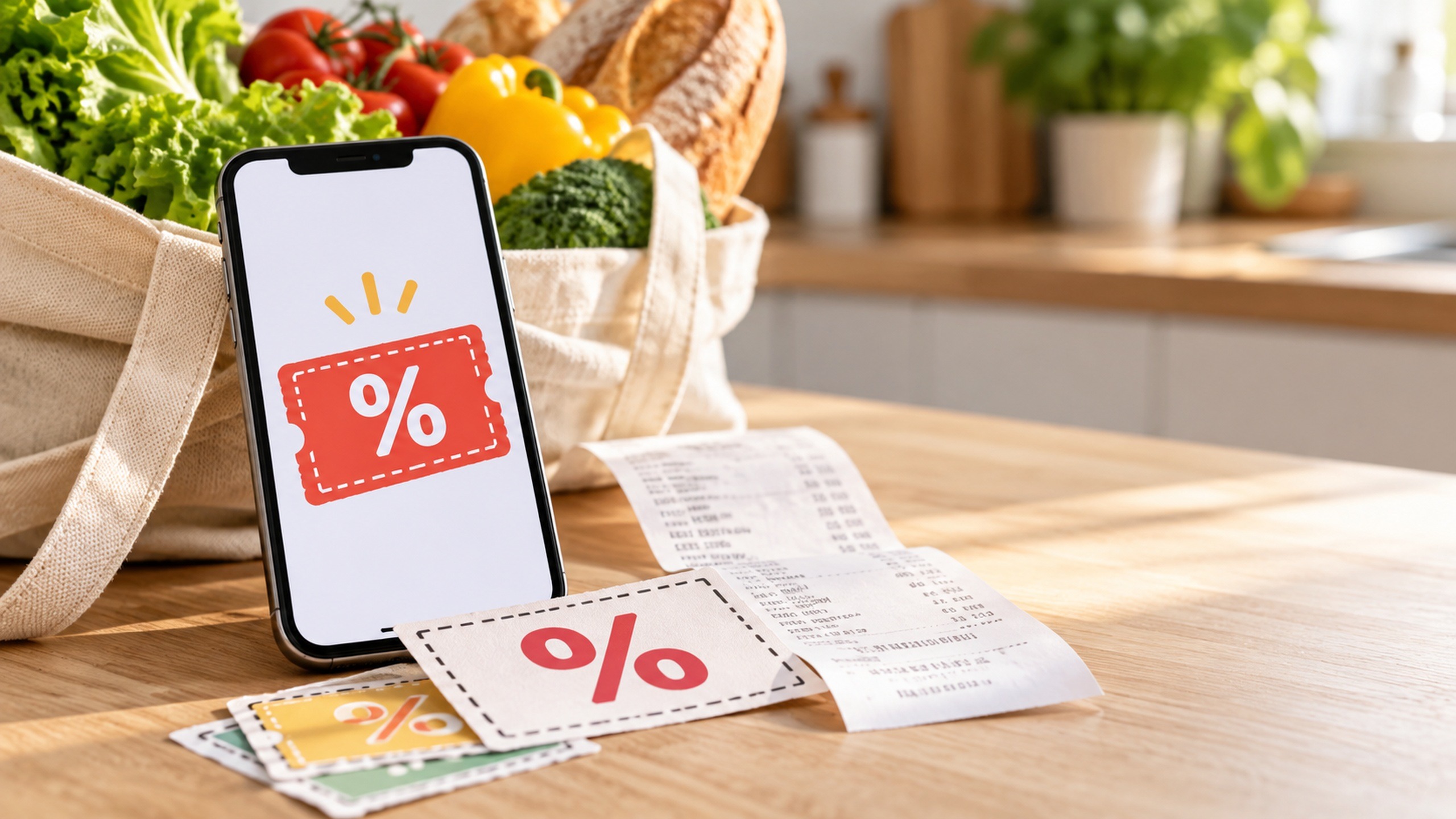
A 15-Minute Weekly Digital Coupon Routine for Busy Parents
Set aside 15 minutes before your weekly grocery trip to check what you need, find matching digital coupons, and save the offers you’ll actually use. Start with one store and your shopping list. You don’t need to scroll through every deal or juggle several apps to make couponing useful.
The routine below divides that planning time into five short steps. Treat 15 minutes as a stopping point, not a promise that every shopping task will fit inside it. Account setup happens separately, and you’ll still need to identify your loyalty account at checkout and check that your discounts appeared.
Set up your main store account once
Choose the grocery store you already use most often. Sign in to its official app or website, select your usual location, and make sure your loyalty card is linked if the program requires it. Find the coupons section and learn how you’ll identify your account at checkout.
For example, Kroger’s digital coupon instructions say to add offers to your account, buy qualifying items, and scan your Shopper’s Card or enter your Alt ID when shopping in-store. Loading coupons to one account and using a different account at the register can leave you without the expected discount.
Keep one shopping list where you can add coupon details. A phone note, the store’s list feature, or a paper list all work. If another adult does the shopping, make sure they have the list and know which loyalty account holds the offers, following the store’s household account rules.
Minutes 0–3: Check your kitchen and make a short list
Before opening the coupons page, check the fridge, pantry, and freezer for the things you’re about to buy. Focus on this week’s meals, school lunches, snacks, and household supplies that are running low. You don’t need a full kitchen inventory.
Write down your actual needs, including any requirements that matter: the diaper size, the yogurt your child will eat, or the detergent your household uses. Mark items where you’re flexible about the brand. Those are good places to compare a coupon offer with a store-brand alternative.
This list gives your coupon search a boundary. A discount on something you weren’t going to buy shouldn’t automatically earn it a place in your cart.
Minutes 3–7: Search for coupons that match your list
Search the store’s offers using the items on your list, such as cereal, yogurt, pasta, or laundry detergent. If a broad search produces too many results, try a brand you already buy. Give priority to items you need this week, then look at any relevant personalized offers.
Save or activate offers when required, and confirm that the app shows them as added. Different programs handle this differently: most Target Circle deals apply automatically for members, while Target Circle Bonuses, coupons, and rebates may need to be applied or activated. Don’t assume that seeing an offer means you’ve completed the required step.
When these four minutes are up, stop browsing. If there are no useful matches this week, move on with your list. You don’t need to find a coupon to make this routine worthwhile.
Minutes 7–10: Read the details on your chosen offers
Open each offer you plan to use and check the conditions that could change your purchase:
- Product: Does it cover the exact brand, size, variety, or package you want?
- Quantity: Is the discount for one item, or do you have to buy two or more?
- Dates: Will the offer be valid when you shop?
- Shopping method: Does it work in-store, for pickup, or for delivery?
- Limits and exclusions: How many uses are allowed, and can it be combined with another discount?
Don’t assume a paper coupon will combine with a digital coupon on the same item. For instance, Kroger’s coupon policy limits purchases to one store or manufacturer coupon, paper or digital, per item. Follow your own store’s policy and the individual offer’s terms.
If an offer takes too long to untangle, leave it out of this week’s plan. A straightforward discount on something you need is easier to manage than a complicated promotion with several conditions.
Minutes 10–13: Compare the price you’ll actually pay
Use the current price for your selected store and shopping method, then subtract the qualifying coupon. Compare that amount with the alternative you would normally buy. For different package sizes, divide the final price by the number of ounces, pounds, diapers, or other comparable units.
Hypothetical example: A 12-ounce box of cereal costs $4.50 and has a $1 coupon, making it $3.50, or about 29 cents per ounce. A 12-ounce store-brand box costs $3, or 25 cents per ounce. Assuming your family likes both equally, the store brand still costs 50 cents less. These are example prices, not current advertised offers.
Check the total purchase required, too. A coupon for money off two packages is only useful if buying both fits your budget and you’ll use them. If the lower-priced option is something your children routinely leave uneaten, factor that into your choice.
Keep future rewards separate from today’s discount. An offer that earns a later credit or gift card still requires you to pay the current checkout total. Skip it if reaching the spending requirement means adding things you don’t need.
Minutes 13–15: Turn your list into a checkout reminder
Add a short note beside each coupon item: the required size, quantity, and expected discount. For example, a hypothetical list entry might read: “Cereal, 12 oz, buy 1, $1 coupon saved.” That’s enough detail to help you choose the right box without reopening every offer in the aisle.
If another household member is shopping, share the finished list. For pickup orders, review substitution choices for coupon items; a replacement may not meet the offer’s requirements. Choose whether you’d prefer no substitute or are comfortable paying for an alternative without that discount.
Finish by confirming that the offers requiring activation appear in your saved list. Then close the app. Extra browsing isn’t part of the routine.
At checkout: Make sure the savings happened
Use the loyalty identification method your store requires. For an online order, check that you’re signed in to the account with your offers and review the discounts before submitting it. Review the final receipt as well, especially if items were substituted or removed.
If an expected discount is missing, check the product, quantity, expiration date, and account first. Ask the cashier or customer service for help if the purchase appears to qualify. Keep the receipt and offer details available so you can explain the mismatch.
Keep the routine small enough to repeat
Pick a regular time close to your usual grocery trip, perhaps while making the shopping list the night before. Keep deal notifications off if they pull you into browsing throughout the week. Add a second store only if you already shop there and have time to check its offers without extending the routine.
On a hectic week, use a shorter version: check your must-buy items, save any matching offers, and confirm the requirements. Let unrelated coupons expire. The useful result is a ready-to-shop list with a few discounts you understand and can use.
Related Posts:
 Laundry Routine for Busy People: How to Streamline…
 Why Didn’t My Digital Coupon Work? What to Check…
 How to Get Digital Grocery Coupon Prices Without a…
 Homeschool Material Swapping: A Guide for Savvy Parents
 Mastering Consistent Discipline: A Guide for Parents
 The Magic of the Produce Brush: Transforming Your…
 Kids Capsule Wardrobes on a Budget: Tips for Thrifty Parents
 Master the Art of Weekly Cooking Marathons for…