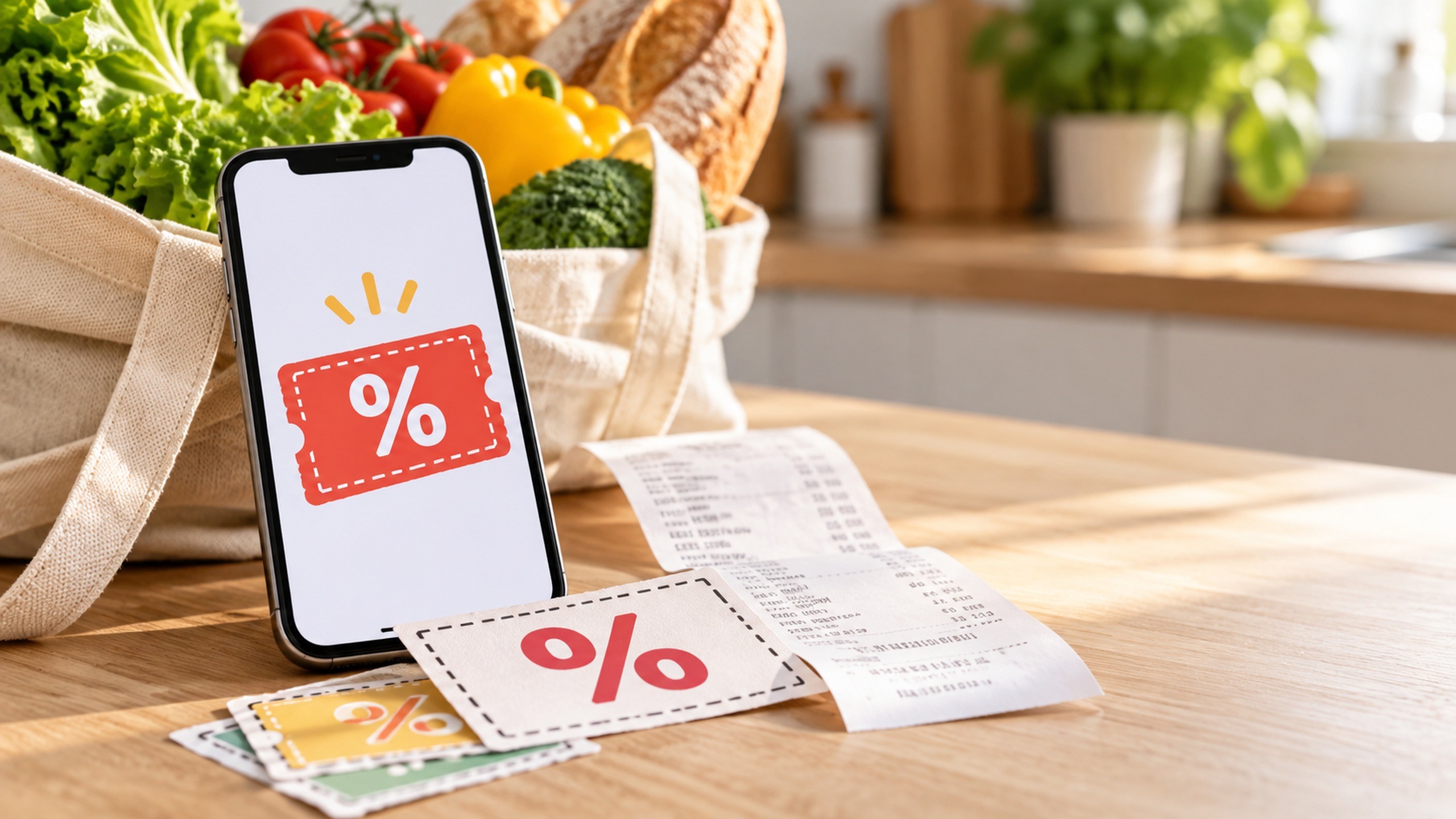
Why Your Friend Gets Different Coupons in the Same Shopping App
Your friend sends you a screenshot of a great coupon, but when you open the same shopping app, it’s nowhere to be found. You may not be missing anything: some offers are selected for individual accounts, so two people shopping at the same store can receive different discounts or bonus requirements.
Before spending time hunting for the offer, find out whether it’s available to everyone or marked as personalized, exclusive or “just for you.” Then compare the full terms. Your friend’s screenshot is a useful heads-up, but the offer in your own account is the one to build your shopping plan around.
Your shopping history can influence your offers
Some retailers use past purchases and interactions with offers to decide which promotions to show you. That can affect the products featured, the spending requirement or the reward amount.
For example, Target’s explanation of its offer recommendation system describes using transaction information and shopper behavior to recommend personalized Target Circle Bonuses with specific spending and reward amounts. The company also describes testing different offers to learn which encourage shoppers to participate.
That helps explain why similar shoppers can still receive different promotions. It doesn’t tell you exactly why one particular coupon appeared in your friend’s account, or prove that buying more will earn you better offers.
Cash-back apps can personalize availability, too. Ibotta says available offers are largely determined by how you use the app and does not guarantee that every user will receive the same stores, offers or bonuses.
You may be comparing different kinds of deals
Shopping apps can put sale prices, digital coupons, cash-back offers and spending bonuses close together. They aren’t interchangeable. A discount lowers the eligible purchase price; a reward may only become available after you complete a purchase or a series of purchases.
Target, for instance, says most regular Target Circle deals apply automatically when you identify yourself as a member, while personalized bonuses and certain coupons or rebates need activation. Its Target Circle help page explains where to find and manage them.
New-member offers are another reason for differences. A friend who just joined may qualify for an introductory promotion you don’t receive as an established user. Ibotta’s Welcome bonuses, for example, are for first-time users, with requirements shown in their accounts. Creating another account is not a workaround; Ibotta says multiple accounts result in deactivation.
Check the details before assuming you’re excluded
Sometimes the difference is simpler than personalization. An offer may have expired, apply to a different store or require a shopping method you haven’t selected. Compare these details with your friend:
- The exact offer: Compare the product, package size, quantity and spending requirement, not just the discount in large print.
- The store and shopping method: Check the selected location and whether the promotion is for in-store shopping, pickup, delivery or shipping.
- The dates: Look for both an activation deadline and a purchase deadline, if the offer lists them. Check that the screenshot is current.
- The account: Make sure you’re signed into the account you normally use and check its saved or activated offers as well as the main deals page.
- Previous use: Check whether you already redeemed the offer or reached its stated limit.
If offers won’t load or an offer sent directly to you won’t open, update the app and restart it. Target also recommends checking your sign-in details and signing out and back in when you can’t access its deals. Those steps may fix an access problem, but they don’t make an account eligible for a personalized promotion.
Can you use your friend’s coupon?
Only if the offer’s terms allow it. A publicly advertised promotion may be available in both accounts, while an offer issued to one member may be restricted to that person. Receiving a screenshot or forwarded email doesn’t establish eligibility.
Target’s terms for Circle Bonuses specify that they are for the member who received them and cannot be shared, copied or transferred. Other apps have their own rules, so look for the offer in your account and read its conditions before buying.
If a promotion was sent to you but is missing, contact support with the offer name, date and a screenshot of your own message or account. If it appeared only in your friend’s account, ask whether it’s targeted rather than assuming support can add it for you.
Choose the offer that fits your shopping list
A bigger reward isn’t necessarily a better deal. The useful comparison is how much extra you’d have to spend to qualify, and whether that extra purchase is something you need.
For a hypothetical example, suppose your planned eligible purchases total $40. An offer to earn a $5 reward after spending $40 fits that trip. An offer to earn $10 after spending $60 requires another $20 in purchases. If those extra items are unnecessary, spending $20 to earn $5 more in rewards leaves you worse off—even assuming you’ll use the entire reward.
If the extra items are staples you were already planning to buy soon, the larger offer may make sense. Check how the app calculates qualifying spending, what it excludes and when the reward expires. Keep enough room in your budget to pay the full checkout amount when the benefit comes later.
Use friends’ deal tips to spot possibilities, then verify them in your own account. There’s no need to change your buying habits just to chase someone else’s coupon. A smaller discount on groceries you need can save you more than a generous bonus that sends you shopping for extras.
Related Posts:
 Why Shopping at More Than One Grocery Store Can Save…
 Elevate Your Computing: Why the Floor is Not Your…
 Over 300 different free coupons available
 Should you microchip your pet in case he or she gets lost?
- How to Roast Carrots and Parsnips Together So Both…
 Can You Combine Manufacturer Coupons With Store Coupons?
 Can You Combine Digital Coupons, Paper Coupons, and…
 Check your email for in-store coupons while shopping